
What Is Tech Neck? How To Improve Neck Posture While Using Phones And Tablets
Why Are Tech Neck and Head Position Important?
Although phones and tablets make life easier, when you look at a screen for a long time, your head and neck position can often change without you noticing. Especially as the head protrudes forward, it can become a habit that increases the tension that builds up during the day in the neck and upper back area. The condition called “tech neck” is also generally associated with these repetitive posture patterns.
A practical way to understand head position is this: Is your earlobe positioned directly over your shoulder, or does it drift forward? Even when the head moves a few centimeters forward, the muscles around the neck may need to work harder. This increased load can show up in some people as stiffness by the end of the day, a feeling of fullness in the shoulders, or discomfort similar to headaches.
Positioning the Phone Correctly and Relaxing the Shoulders
Where you place the device can largely determine how your neck will be positioned. Instead of holding the phone at chest level, bringing it closer to eye level whenever possible can help reduce the head dropping forward. At the same time, not pulling the shoulders toward the ears and letting the shoulder blades gently move back and down can provide a more balanced posture.
Seating Support: Lower Back, Back, and Foot Placement

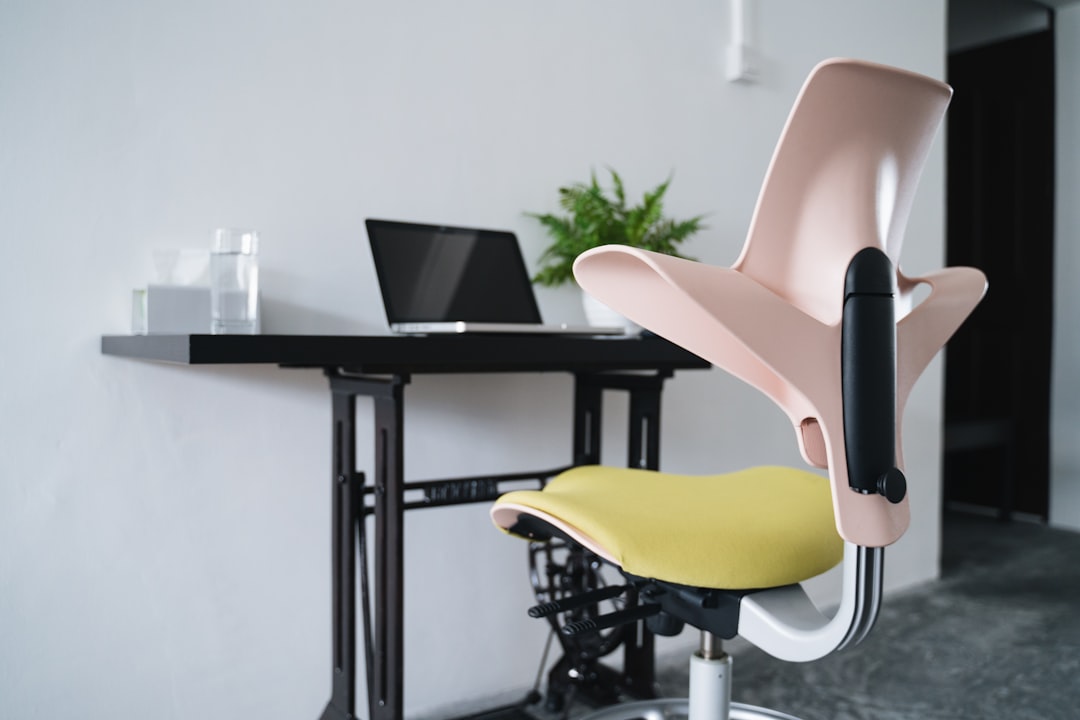
While sitting, lower-back and back support also indirectly affects head position. When the pelvis tilts backward (like slouching in a chair), the upper back may tend to round, which can make it easier to carry the head forward. Bringing the hips closer to the back of the chair, comfortably supporting the natural curve of the lower back, and keeping the feet in contact with the floor can help the neck area compensate less.
One-Handed Use, Stands, and Tablet Ergonomics
Using the phone with one hand can cause you to lower the device so your thumb can reach and to bring the shoulder forward. Holding it with two hands and positioning the screen higher may be a more balanced option for both the neck and shoulders. For long messaging or reading documents, raising the device with a stand can also be a small adjustment that works well.
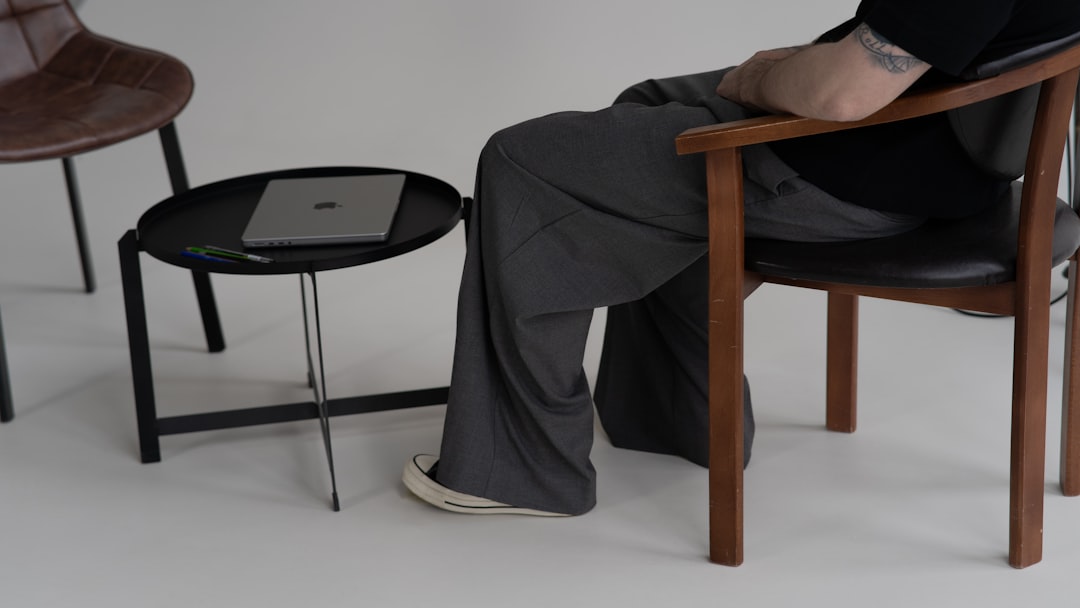
One of the most challenging points in tablet use is often placing the tablet on the lap and looking down for a long time. Using the tablet on a desk, preferably on an elevated surface; adding a separate keyboard; or breaking it into short sessions can help reduce the time the neck stays in a fixed position. This way, the load can be distributed more evenly throughout the day rather than piling onto a single area.
Micro Corrections, Taking Breaks, and Simple Movement Habits
Rather than trying to keep posture “perfect,” making frequent small corrections is usually more sustainable. You can build in brief check-in moments between yourself and the screen: Is your chin gently tucked, is the back of your neck lengthening, are your shoulders soft? Such micro adjustments can be supportive in reducing the tension that builds up during the day.
Time management is at least as important as position. Staying in the same posture for a long time can create discomfort even in the most ergonomic setup. For this reason, taking a short break every 20–30 minutes to stand up, roll the shoulders back, or mobilize the rib cage with a few deep breaths can help the neck and upper back relax.
Simple stretching and movement habits can help balance the effects of technology use on the body. For example, a few times during the day, gently drawing the shoulder blades toward each other and releasing, turning the head right and left without straining the neck, or doing light chest-opening stretches may reduce the sensation of tightness in some people. It may be a better approach to do the movements within a comfortable range without approaching the pain threshold.
Finally, you can also make your relationship with the screen easier with small environmental adjustments. Increasing the font size, setting the brightness to an appropriate level, and reducing notifications can lessen the need to bring the device closer to your face or to jut the head forward. If complaints such as neck pain, numbness, or loss of strength are increasing or are significantly affecting daily life, getting an evaluation from a healthcare professional may be an appropriate step.