
Build a Structured Life With Daily and Weekly Routines: How to Set Up Routines and Notification Settings in the App
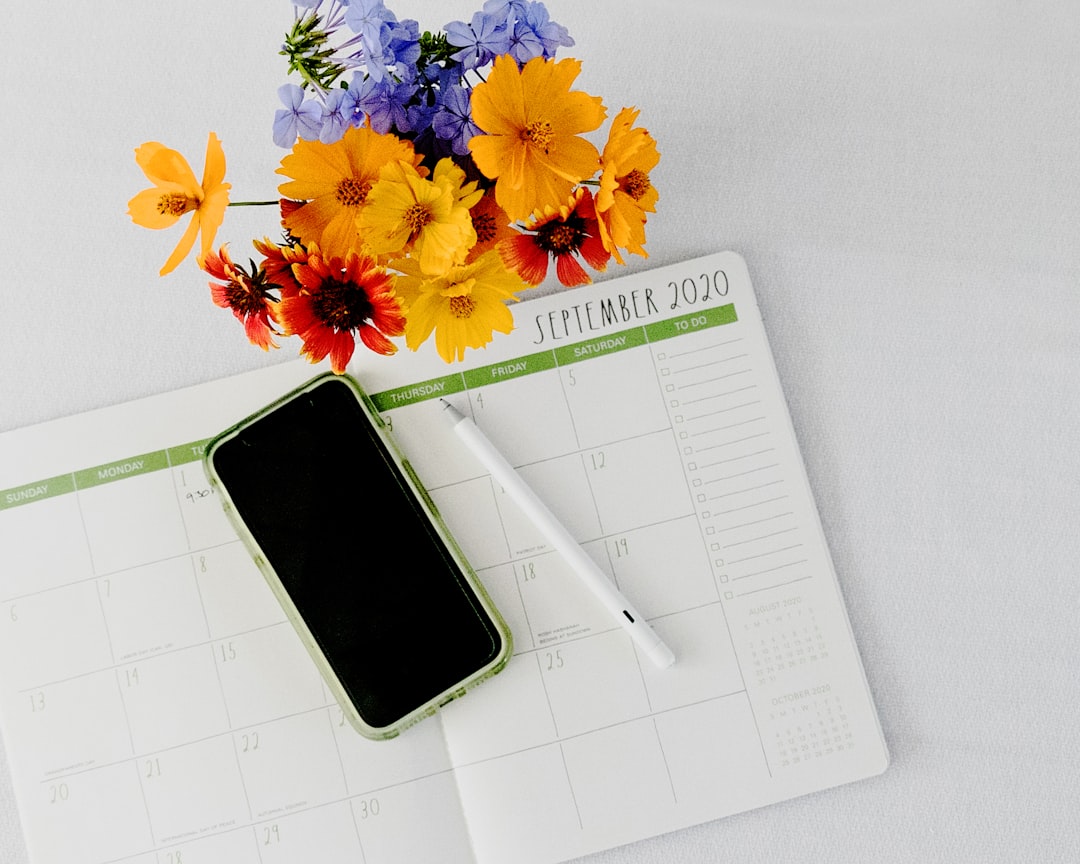
Building a life routine can often become easier not through big changes, but through the accumulation of small yet sustainable habits. Daily and weekly routines can support better time management, reduced forgetfulness, and a lighter mental load. The goal in this process is not to make a perfect plan; it is to capture a “doable” flow by using the app’s routine-building and notification features.
Choosing a basic routine: Starting with small habits
To begin, it may help to first choose a short “basic routine.” A basic routine is more sustainable when it consists of 2–4 small behaviors that can be done at roughly the same time every day. For example, low-threshold steps like drinking water after waking up, stretching for 5 minutes, or deciding the first task of the day can, over time, become the foundation for bigger habits.
Identifying a trigger: Anchoring routines in time and context
When designing routines, identifying a trigger (when, after what) makes the process easier for many people. When you build a clear link such as “10 minutes of tidying after breakfast” or “3 minutes of planning before starting work,” it takes less effort to remember. When creating a routine in the app, writing this trigger into the routine name can make it clearer what you should do when the notification arrives.

When adapting your daily routine to the app, it helps to make tasks as concrete as possible. Clear phrasing like “10-minute walk” instead of “work out,” or “wipe the counter” instead of “organize the kitchen,” can make it easier to get started. Quickly understanding what to do when a notification arrives can help reduce the chance of procrastination.
Notification settings: Sustainability with few and accurate reminders
A notification system, when set up correctly, can work like a supportive reminder; however, too many notifications can lead to ignoring them after a while. For this reason, giving notifications only for truly important routines and leaving the others as a checklist within the app may be a more balanced approach. For some people, a single “morning reminder” and a single “evening wrap-up” notification can be enough to keep the rest of the day on track.
Distributing routines according to the day’s energy can also make it easier to establish order. Tasks like planning, writing, and learning can be placed in hours when you are mentally fresher; simple household organization or prep tasks can be added to lower-energy times. Grouping routines in the app as morning–noon–evening can help notifications arrive with a more natural flow throughout the day.
Weekly routines and theme days: Building a system that reduces buildup
Weekly routines provide the “background maintenance” of a life routine. Tasks like laundry, shopping, cleaning, organizing files/emails, and weekly planning can pile up and create stress if they aren’t distributed over time. Short maintenance routines repeated 1–2 times a week can help reduce this buildup and keep the daily routine lighter.
When establishing a weekly rhythm, one of the most practical methods can be the “theme days” approach. For example, drawing a framework such as one day for household tasks, one day for planning and preparation, and one day for personal care reduces how much you need to think about each day. In the app’s routine-creation section, linking these themes to days of the week and setting notifications to come only on the relevant day can offer more targeted use.
To keep routines realistic, starting durations small usually yields better results. A 5–10 minute routine can provide a sense of “completed” even on busy days. Over time, if you want, you can add a longer version of the same routine or gradually expand the existing routine; that way, order can move forward more in tune with life’s pace.
When a day goes off track, returning to a “minimum version” instead of abandoning the routine completely can help. For example, if you normally tidy for 30 minutes, setting an alternative for busy days like organizing your desktop for 5 minutes can increase sustainability. In the app, creating a second routine for the same habit called “short version,” or adding a note in the description like “busy-day option,” can serve as a reminder.
On the tracking and motivation side, making completed routines visible can provide important support. The app’s check-off/streak logic can strengthen the feeling of “I’m making progress, even if it’s small.” Still, if numbers might create pressure, it may feel better to shift the goal from a “perfect streak” to a more flexible expectation like “most days of the week.”
To understand whether routines are working, adding a short weekly review can make the system more lasting. As you notice what flows easily, which notifications feel annoying, and which times are more suitable, you can update your settings. This way, the app becomes more likely to function not like a demanding control mechanism, but like a helper that simplifies your life.
In summary, establishing order in life with daily and weekly routines can become more achievable through small steps, clear wording, a small number of notifications arriving at the right time, and flexible goals. When you set up the app’s routine creation and notification system with the logic of “trigger + concrete task + suitable time,” the burden of remembering can decrease, and feeling organized can gradually turn into a more natural habit.